This happens when the tag or label printer needs to be calibrated, usually after changing out the roll of tags. To calibrate the printer press and hold the button on the top of it until it flashes 2 times.
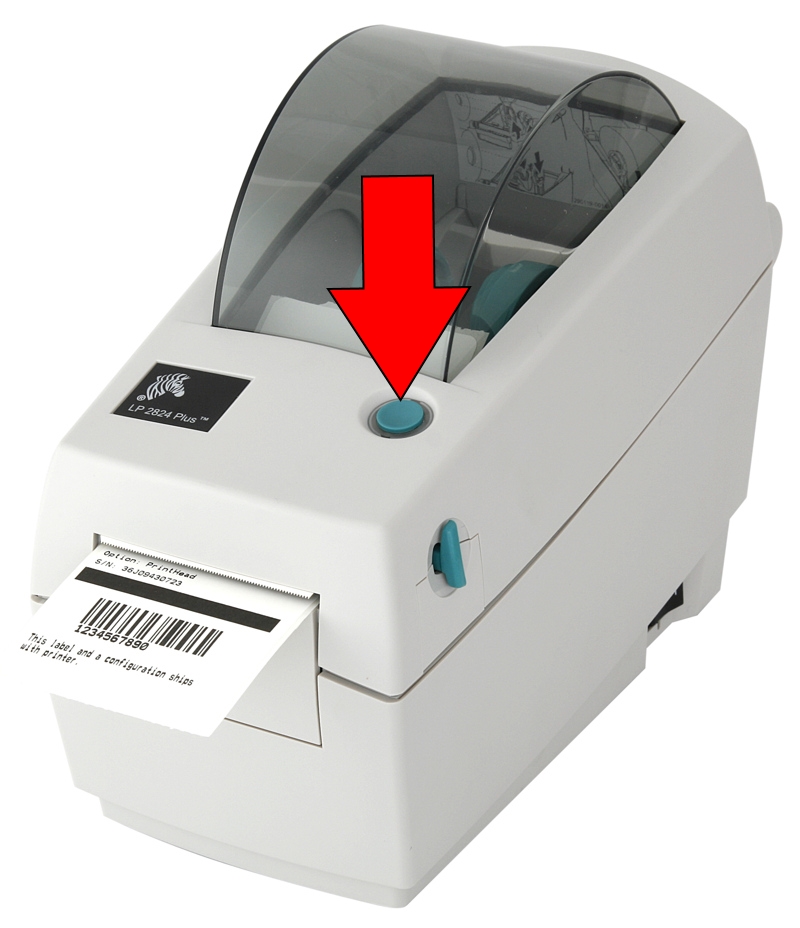
Sometimes it takes 3-4 calibration attempts to resolve this issue.
Click Here if you have a newer ZD410 printer
Support Request Severity: High
0 Comments