|
|
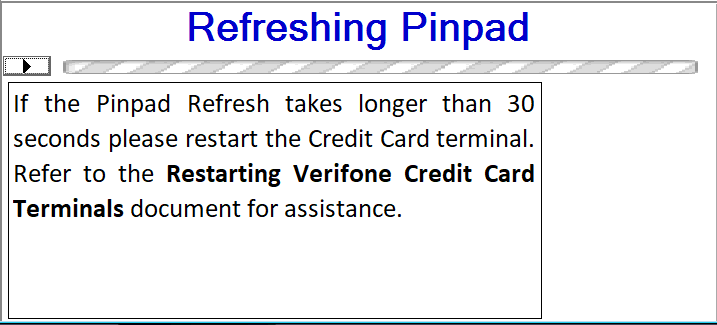
There are three simple steps to restarting a malfunctioning Verifone credit card terminal. |
|
|
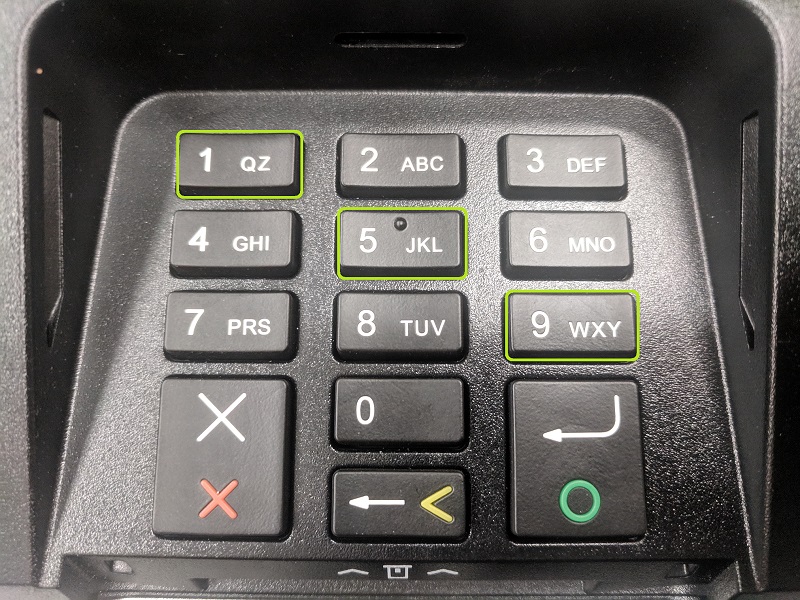
1: Press the 1, 5, and 9 keys on the Credit Card Terminal keypad at the same time. |
 |
|
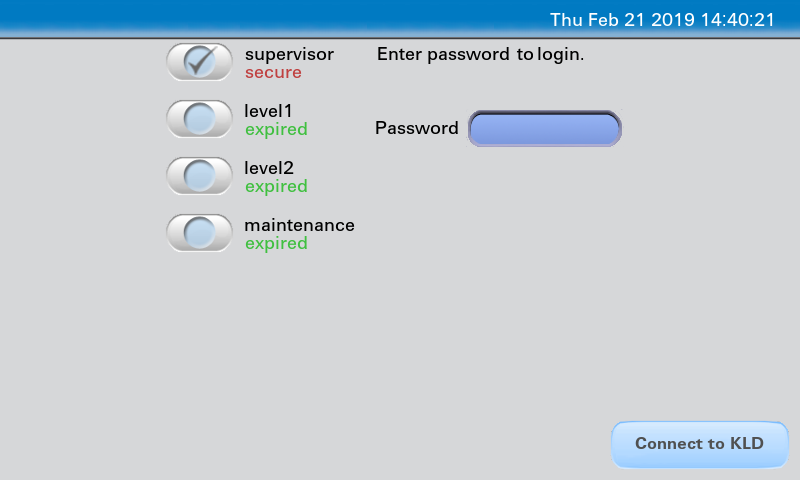
2: When the password screen comes up after a few seconds, press the X key on the keypad. |
 |
|
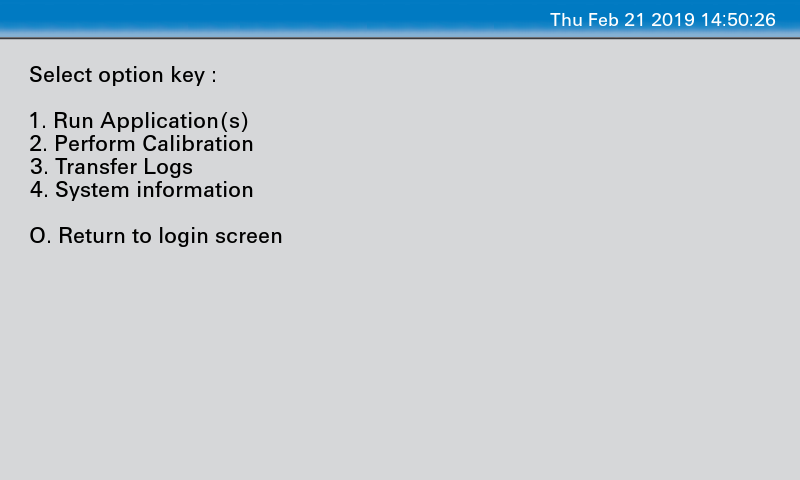
3: When the Select Option Key screen comes up press the 1 key on the keypad. The terminal will take about 30 seconds to respond to this key press, and then restart. It takes about 3 minutes to restart. |
 |
0 Comments